What the example demonstrates
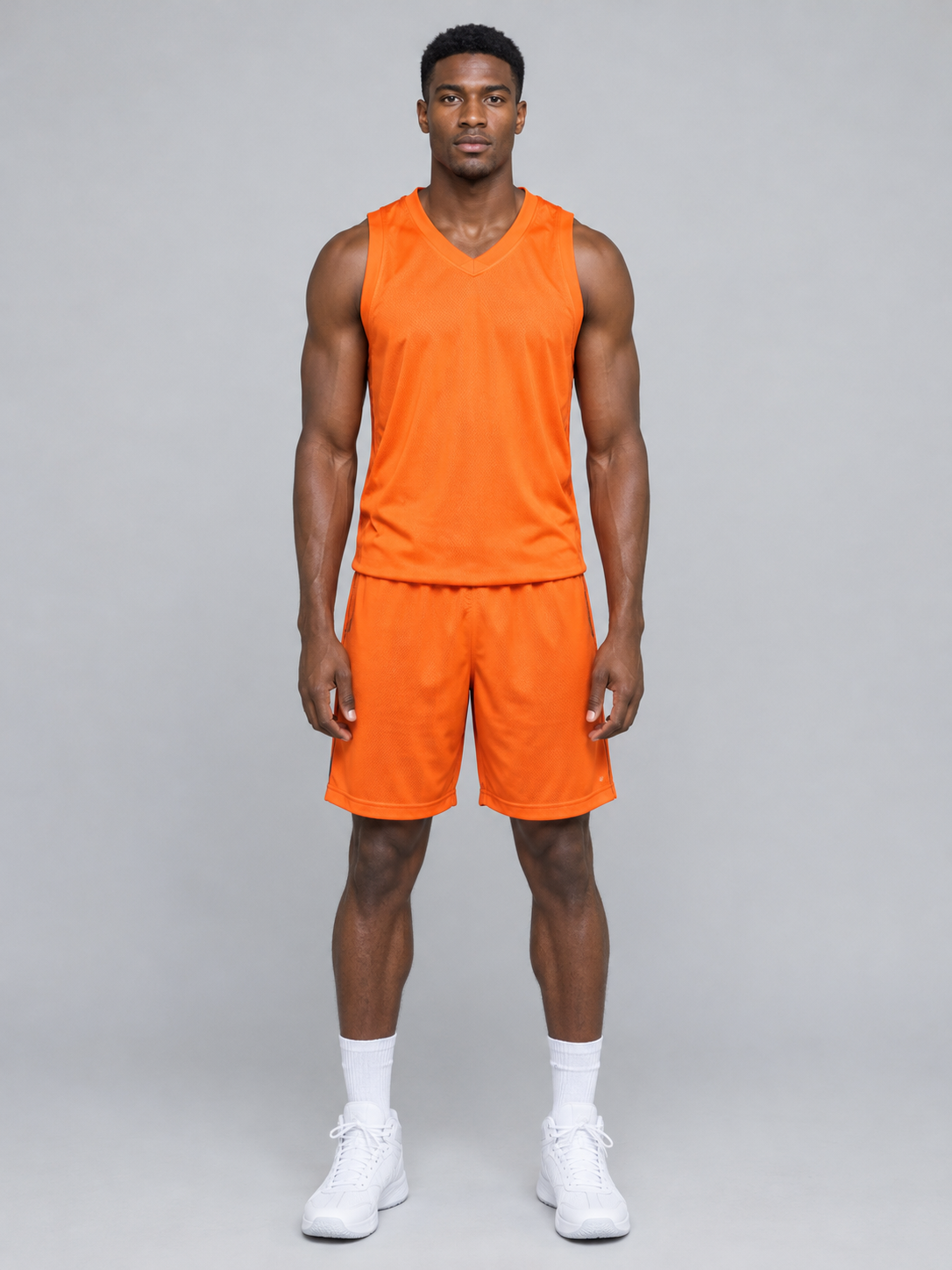
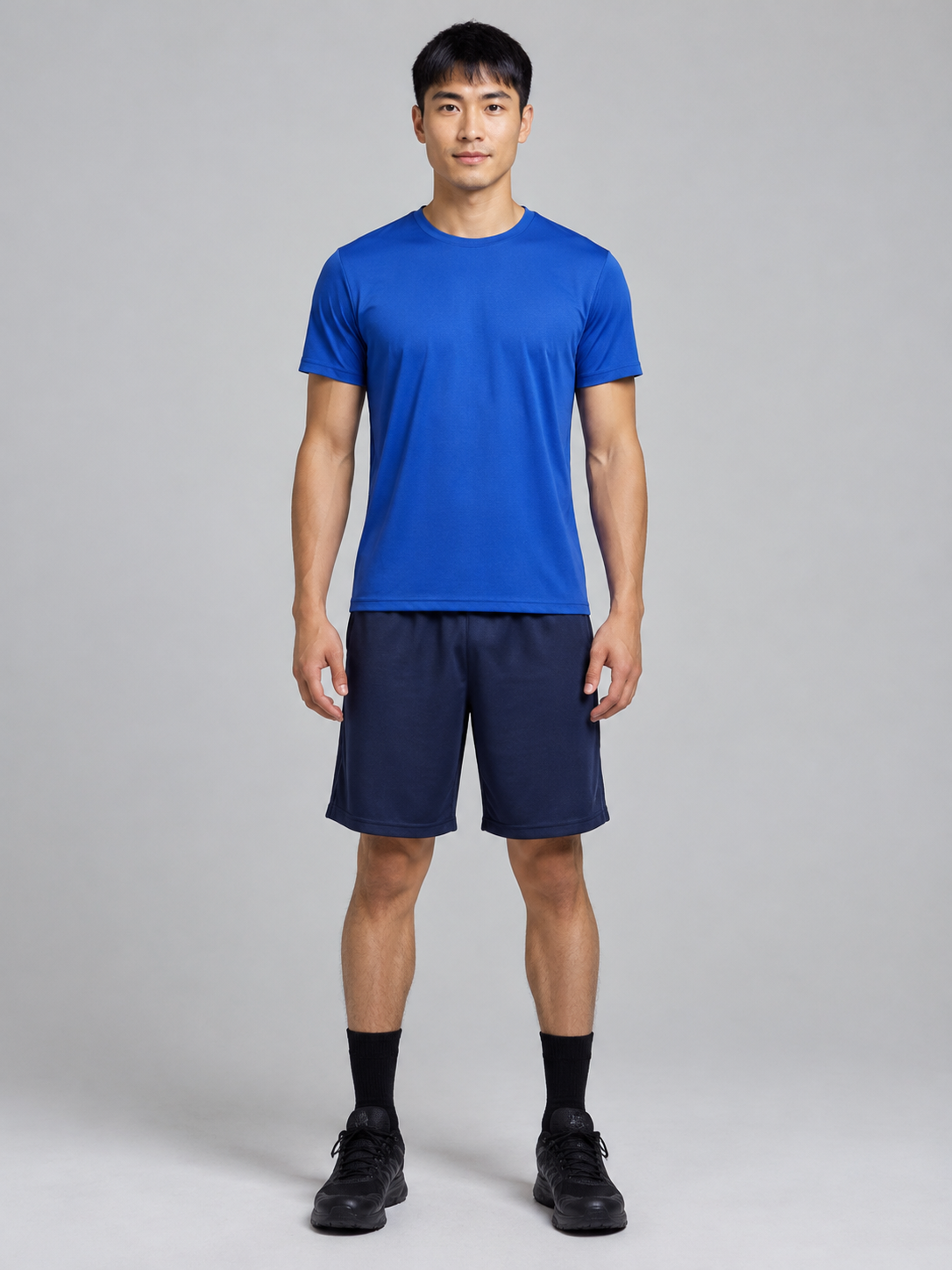
The orange-outfit fictional adult supplies the Dunker role. The blue-outfit fictional adult supplies Defender. The supplied basketball reference controls the action, camera and scene. Inspect the complete result for identity, clothing, ball contact and the middle-finger gesture.
What was actually tested
Two reference portraits were made with GPT Image 2.0. Exactly one 14-second 480p video task was submitted with Seedance 2.0 Fast. The 720p option and free-preview behavior are covered by local and simulated tests; no additional real video generation was used.
Limits of an example
A single example is not a guarantee for every photo. Faces, hands, motion or gestures may vary. Public example people are fictional; private customer photos are not published as examples without separate permission.
More questions about this topic
How long is the video?
Full videos are about 14 seconds in Standard 480p or HD 720p. Free previews are about 4 seconds at 480p and always silent. Choosing HD or adding BGM does not extend the clip. Generation waiting time depends on the provider.
What is the video’s aspect ratio?
Videos use the preset’s vertical 9:16 format and download as an MP4. Free previews, Standard and HD keep the same portrait layout. Choosing HD changes the resolution. This preset does not offer an aspect-ratio selector.